

Free for teaching
A first activity. A world of possibilities.
Choose what to practise. Start simply, then adapt the size and symbols to your pupils’ level.
Dossier of teaching proposals Download PDF
Four activities to open in the game
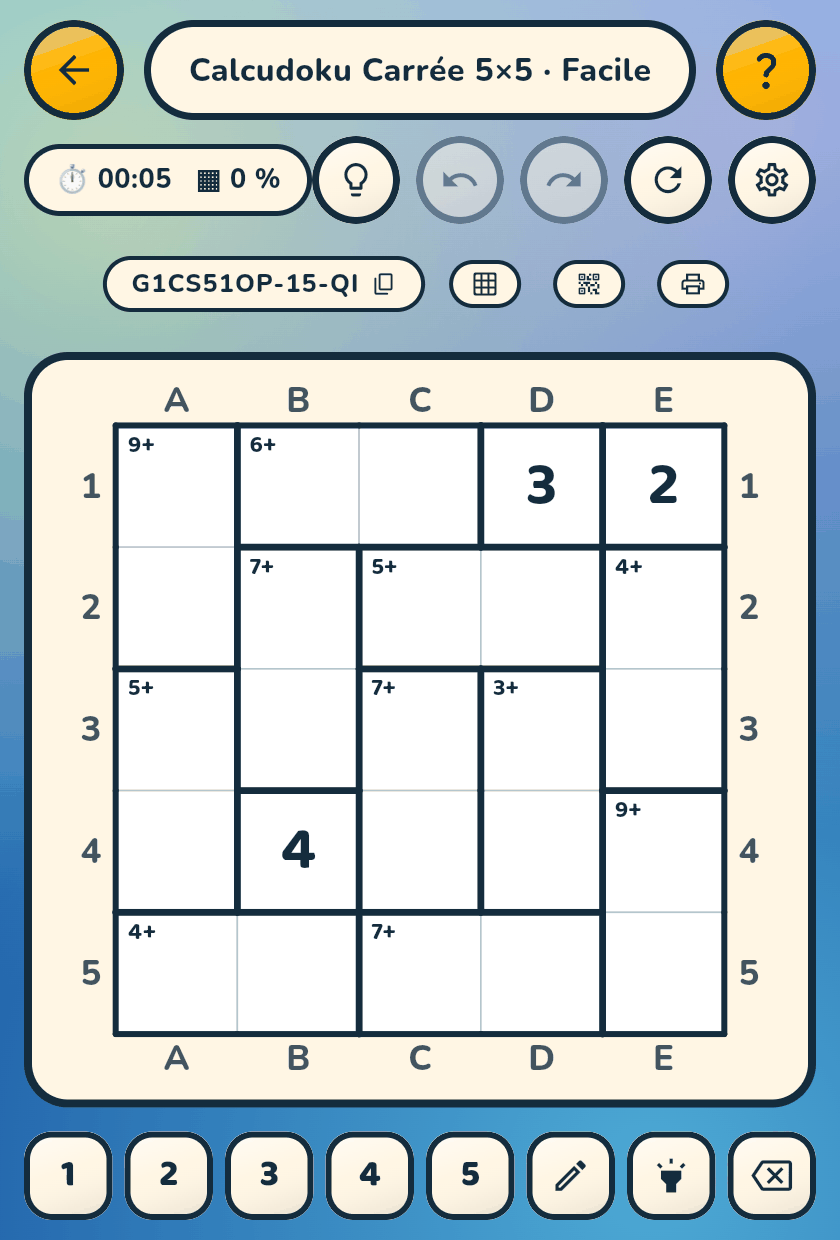
Copy the code, open the game, then choose “Code → Paste a game”. On another device, scan the QR from the game.

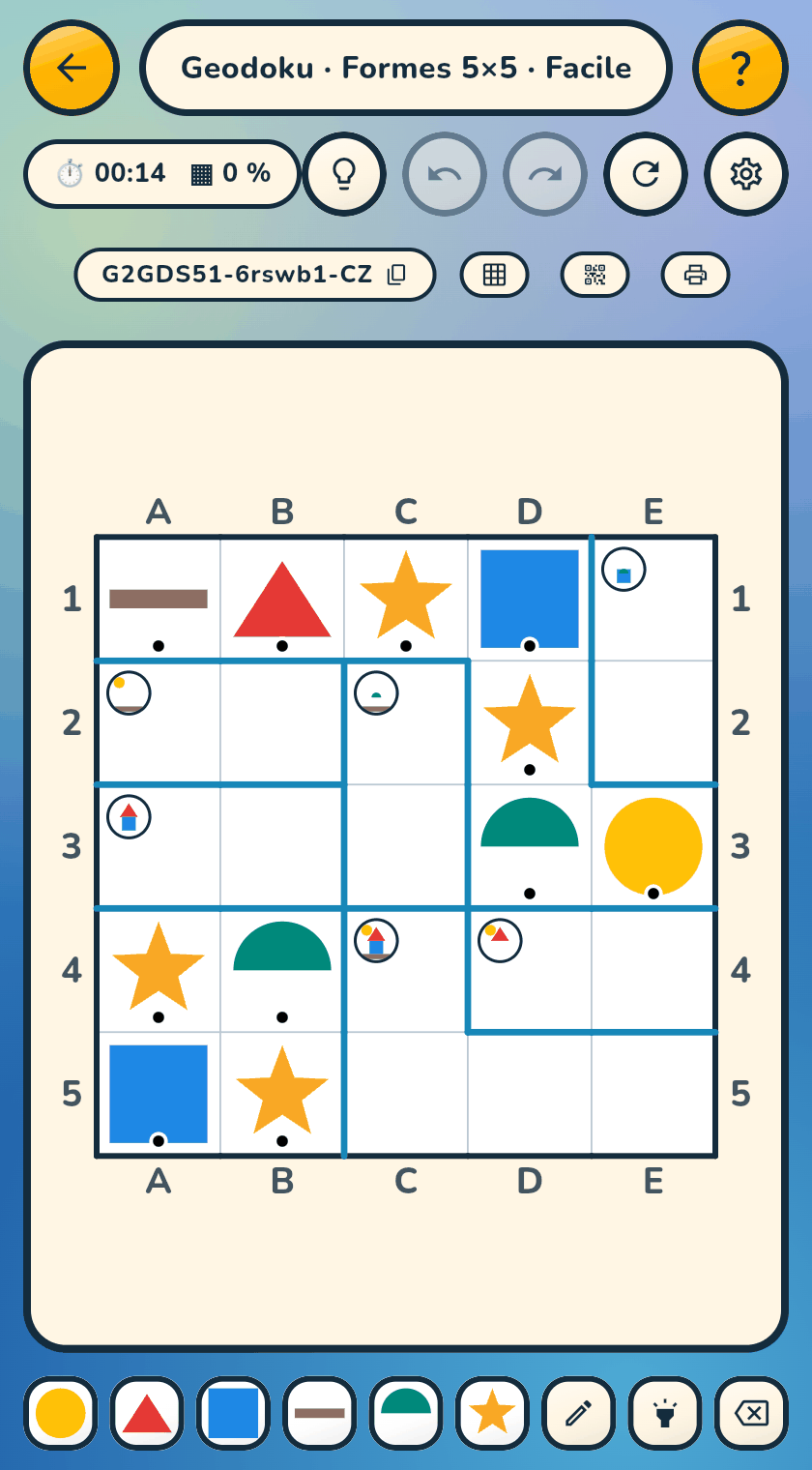
Recognise
Start small, progress at your own pace
Small grids to discover the rule; more cells when your pupils are ready. Choose symbols to suit the learning goal.
Choose a puzzle →And for learning to read
Sudoku as a pretext for reading
A sudoku needs no digits: its rule only asks you to recognise that two things are the same. A dialog in the app lets you type whatever you want into the cells — letters, syllables, words, chosen digits, even emojis — and the grid becomes a reading exercise: every cell placed is read, compared, read again. Three examples on 4×4.
ad
d
bc
b
bet
bitbet
but
butbat
housebook
book
BOATbike
BOAT
Like any grid, these are handed to the class by their code or their QR: the symbols travel with them.
Arithmetic with Calcudoku, reading with Sudoku
Two difficulties, two dials
The level — Easy, Medium, Hard, Expert — only sets the deduction. The arithmetic is set elsewhere. A five-by-five board can carry a nine-year-old's multiplication tables as well as a seven-year-old's halves.
The recipe
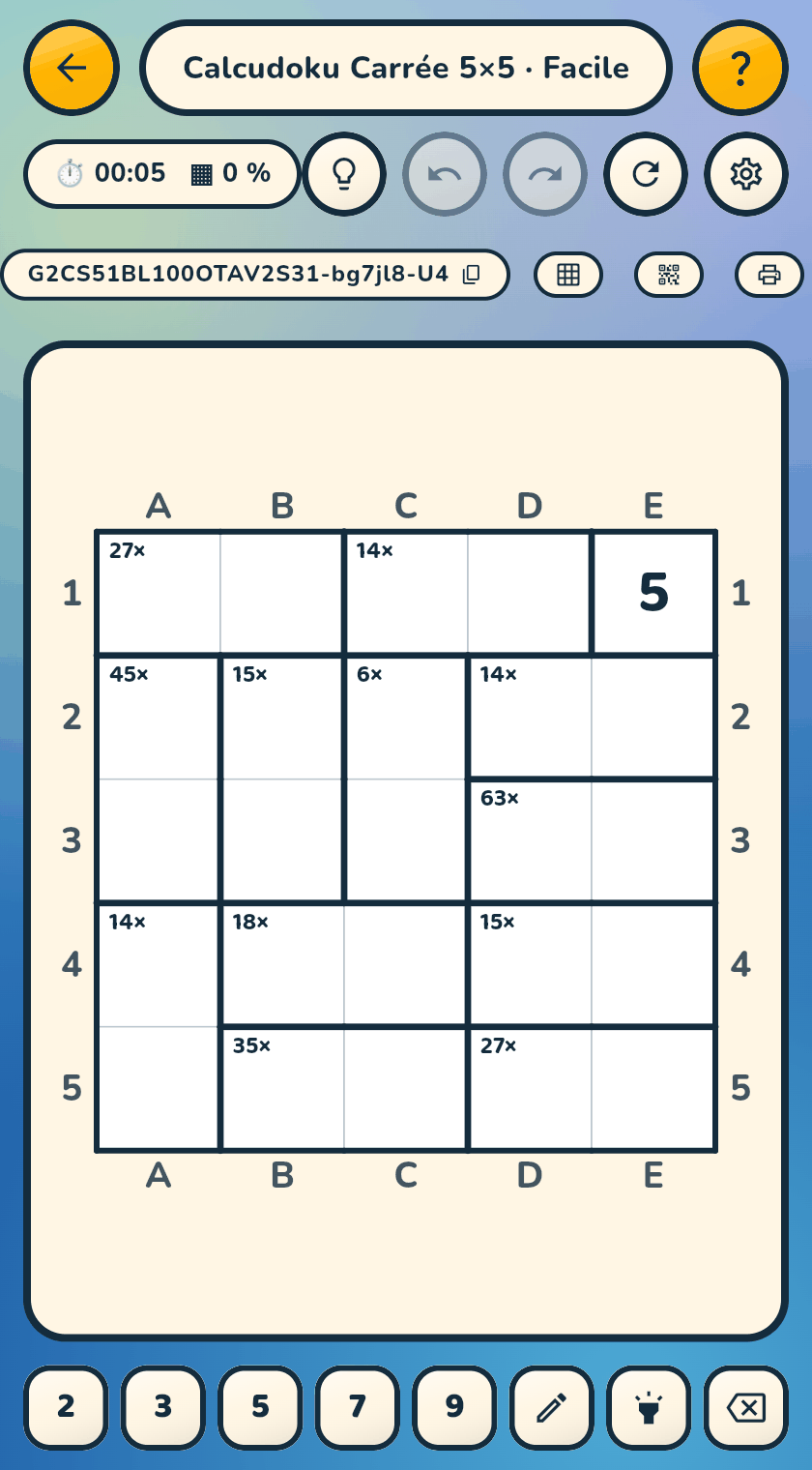
Multiplication tables on a 5×5
Every cage is a product of two numbers between 1 and 10: a multiplication table laid over a sudoku small enough not to get in the way. And since the grid remains a real sudoku, the child checks the products against rows and columns — with nobody having to mark anything.
- ModeCalcudoku
- GeometrySquare, 5×5
- Operations× only
- Two cells at moston
- NumbersRandom, from 1 to 10
- DifficultyEasy
Fully playable in the free version. Facing 15× over two cells, the child does not compute 3 × 5: they look for which factors give 15 — the table read backwards, the one used for division.
 G4CS51BL100OTAV2S31-bg7jl8-U8
In the app: Code → Scan a QR
Understand the settings
Operations of your choice
From addition alone to all four together, in the order school teaches them: +, then + −, then
+ − ×, then + − × :. Multiplication alone turns a 5×5 into a times-table drill; subtraction
alone turns every cage into a domino.
Numbers decoupled from size
Five families of values: classic, around zero, negatives, random within an adjustable range,
fractions. A 5×5 can carry −9…9 or 1…20 — board size and arithmetic difficulty no longer have
anything to do with each other.
Two cells at most
Every cage fits in a pair: 21× over two cells is 3 × 7 and nothing else. Each cage becomes a
line of the table to find — and, against all expectations, the grid empties instead of filling
up: small cages constrain better.
A maximum result
No cage result exceeds the chosen value, from 2 to 360. A child discovering addition starts
at 10, then 20, then 50 — and the game shows under the slider the share of cages that will
remain viable. You see the price before starting the game.
Calcudoku in fractions
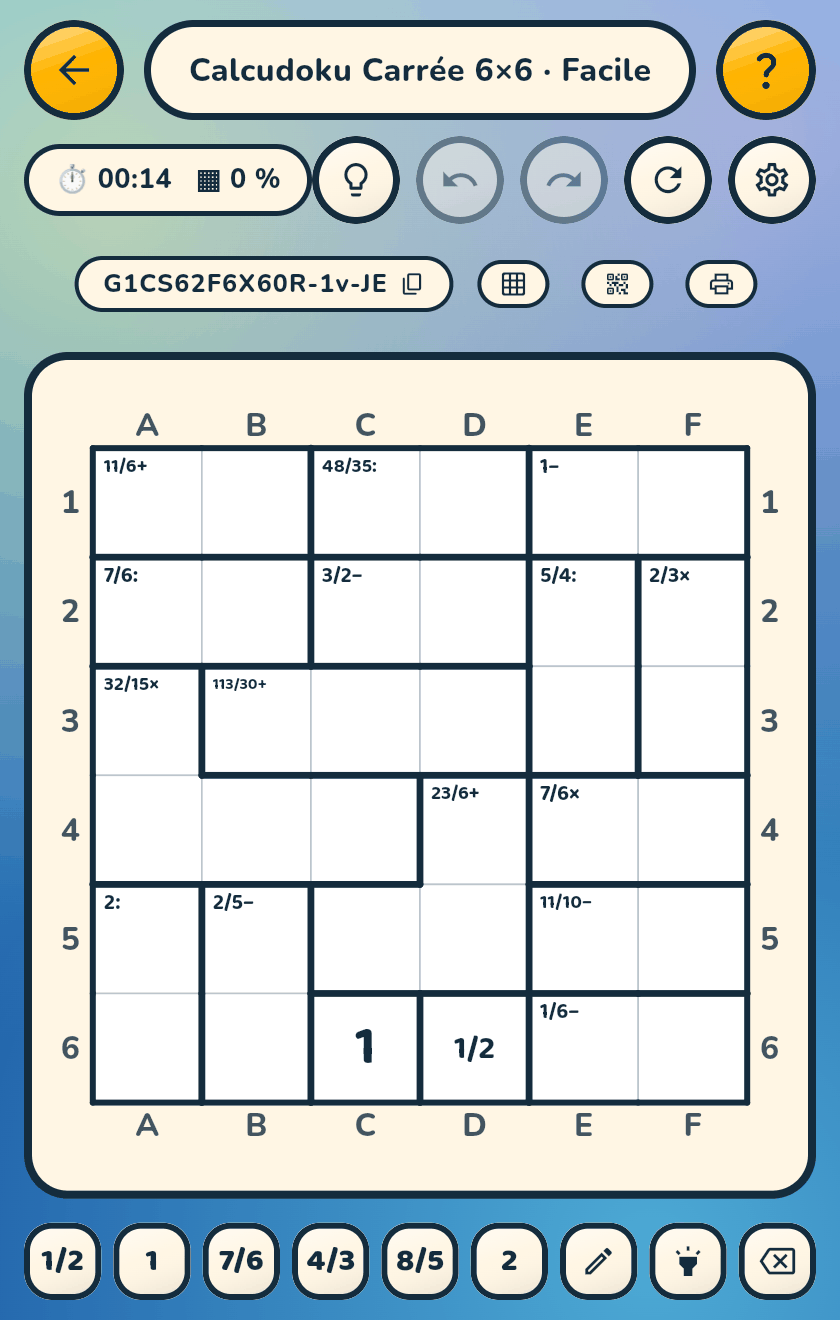
Cells hold fractions, cages ask for them, and everything is computed in exact rationals. Two
independent sliders — cell denominator, result denominator — and a switch to let 4/8 sit next
to 1/2: that is where the lesson is.
Decimal notation
A slider sets the share of values written as decimals rather than fractions. Reading 0.5 in
one cell, 1/2 in another, and understanding they add up: the mix is what teaches. 1/3 is
written 0.3 with a bar; 1/7 stays 1/7.
Mystery Calcudoku
Cages give only the number, never the operation: 12? where an ordinary Calcudoku shows 12×.
You fill the cells and set the operation. A harder variant that combines with
everything else.
The level only sets the deduction
An “Expert” in dominoes from 1 to 5 is a very hard sudoku and trivial arithmetic; an “Easy” in
twelfths is an effortless sudoku and serious arithmetic practice. The two axes are
independent, and deliberately so.